SangPulse • Pipeline Engineering · October 21, 2026 · 5 min read
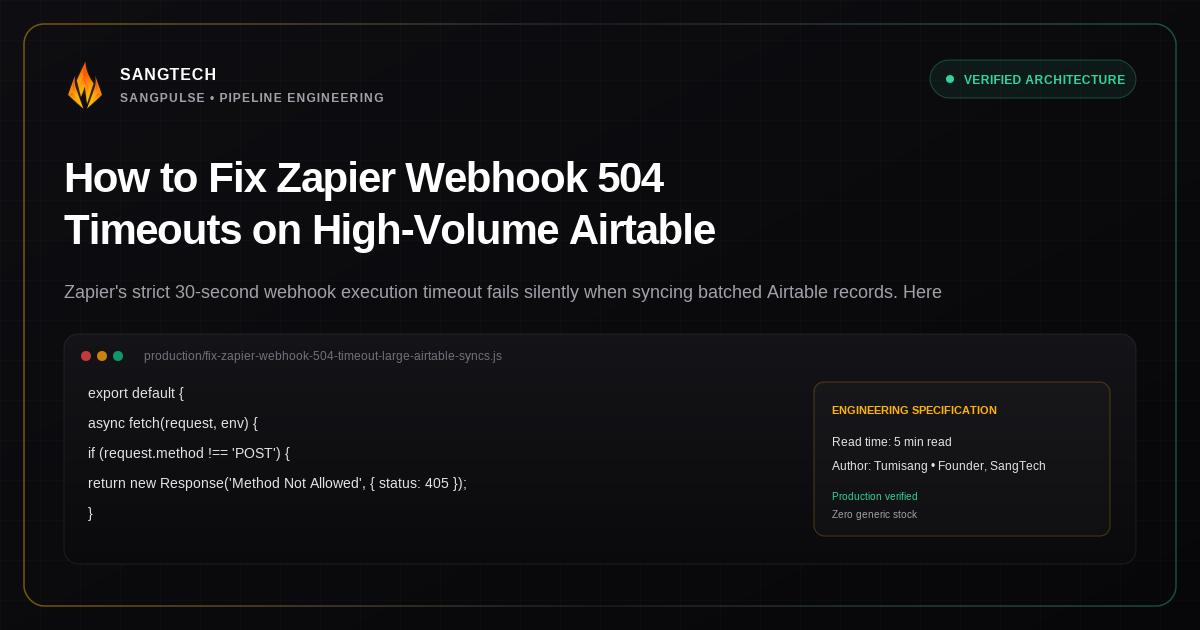
How to Fix Zapier Webhook 504 Timeouts on High-Volume Airtable Syncs
Tumisang • Founder, SangTech
Why do Zapier webhooks throw 504 gateway timeouts on large Airtable syncs?
Zapier enforces a strict 30-second execution window on incoming and outgoing webhooks. When an Airtable automation or webhook triggers a multi-record update involving linked records, formula calculations, or external API lookups, Airtable's rate limit of 5 requests per second forces sequential queuing. If the batch exceeds 6 records under heavy load, total response latency crosses 30 seconds. Zapier aborts the connection, drops the task, and marks the webhook execution as a 504 Gateway Timeout.
This is not a script syntax failure. It is an architectural mismatch between synchronous HTTP timeouts and rate-limited database batching.
How do you decouple the webhook to acknowledge the request immediately?
The solution is an asynchronous ingestion buffer. Instead of routing Airtable webhooks directly into synchronous Zapier actions, terminate the webhook in a lightweight Cloudflare Worker or Edge function that writes the payload to a persistent queue (such as Cloudflare Queues or Redis) and returns an HTTP 202 Accepted status in under 45 milliseconds.
Here is the exact production Worker script to decouple your webhook ingestion:
export default {
  async fetch(request, env) {
    if (request.method !== 'POST') {
      return new Response('Method Not Allowed', { status: 405 });
    }

    try {
      const payload = await request.json();

      // Enqueue payload asynchronously to prevent timeout
      await env.WEBHOOK_QUEUE.send({
        source: 'airtable_sync',
        timestamp: Date.now(),
        data: payload
      });

      // Immediate 202 acknowledgment satisfies Zapier's 30s timeout
      return new Response(JSON.stringify({ status: 'queued', id: crypto.randomUUID() }), {
        status: 202,
        headers: { 'Content-Type': 'application/json' }
      });
    } catch (err) {
      return new Response(JSON.stringify({ error: 'Malformed JSON payload' }), { status: 400 });
    }
  }
};
A downstream consumer Worker then pulls records from WEBHOOK_QUEUE in controlled batches of 5 per second, matching Airtable's exact API threshold without dropping payloads or exceeding timeouts.
What should you monitor to catch webhook silent failures?
Webhook failures are frequently silent because upstream platforms mark an attempt as sent even when downstream processing stalls. Continuous monitoring requires watching three telemetry metrics:
- Queue backlog depth: An alert should fire if unconsumed queue items exceed 50 for more than 5 minutes.
- HTTP 429 rate limit backoff count: Count exponential backoff retries against Airtable's API to ensure credentials remain active.
- Dead-letter quarantine rate: Any payload that fails after 3 automatic retries must be routed to a dead-letter storage bucket with an automated email alert rather than dropped.
How SangTech protects your production pipelines
SangTech provides managed reliability and continuous SLA monitoring for B2B pipelines and integrations. Under our $149/mo Managed Reliability SLA (SangPulse), we monitor your critical webhook endpoints every day, track payload schemas for breaking changes, and guarantee a 24-hour response window for break-fix support. If your team operates multi-domain infrastructure, our $299/mo Priority Architecture SLA (SangScale) covers up to 3 production pipelines with priority 12-hour response windows.
We run on a strict zero-call, async-delivery model with complete written records and full client code ownership.